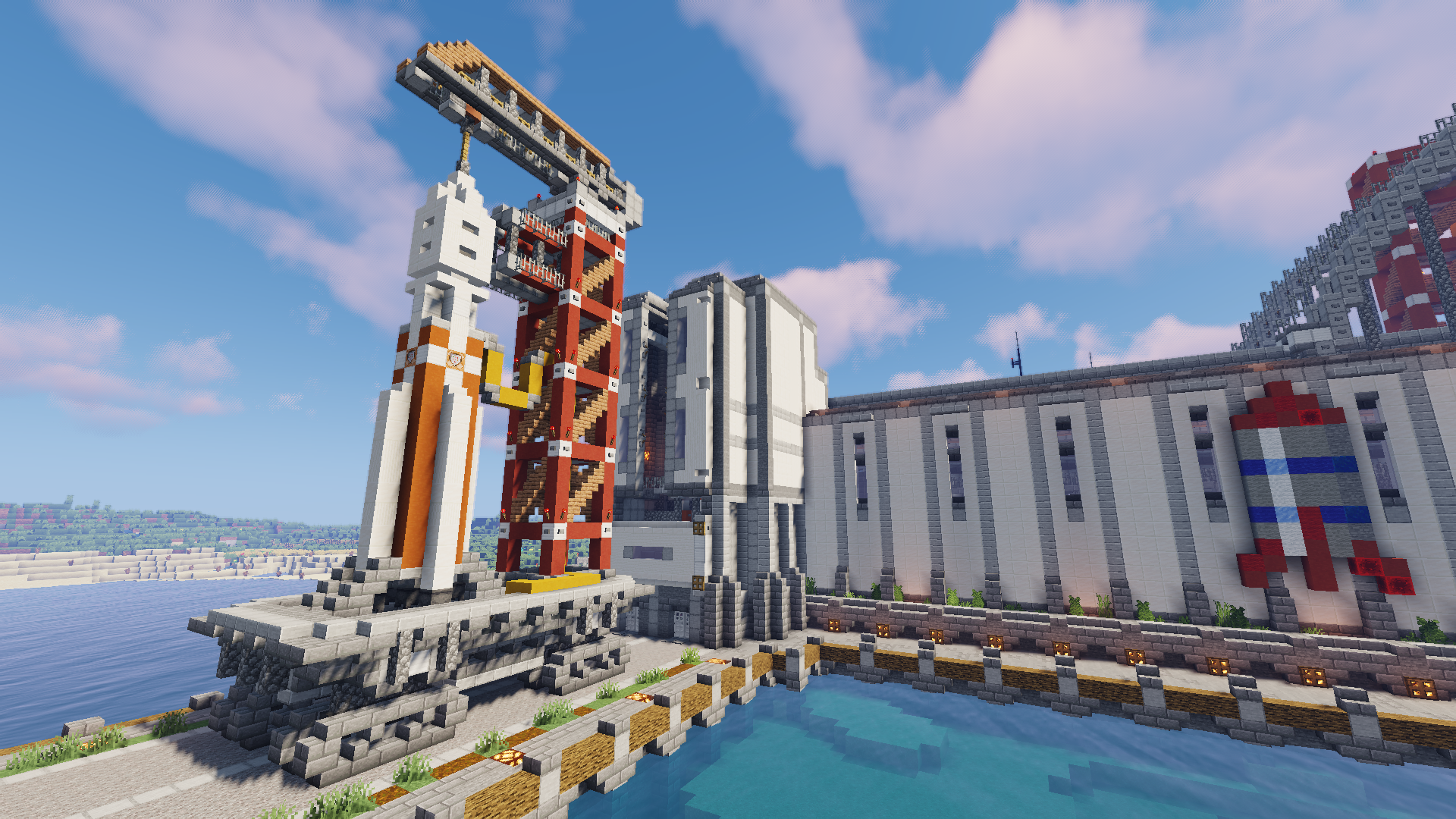

World Downloads
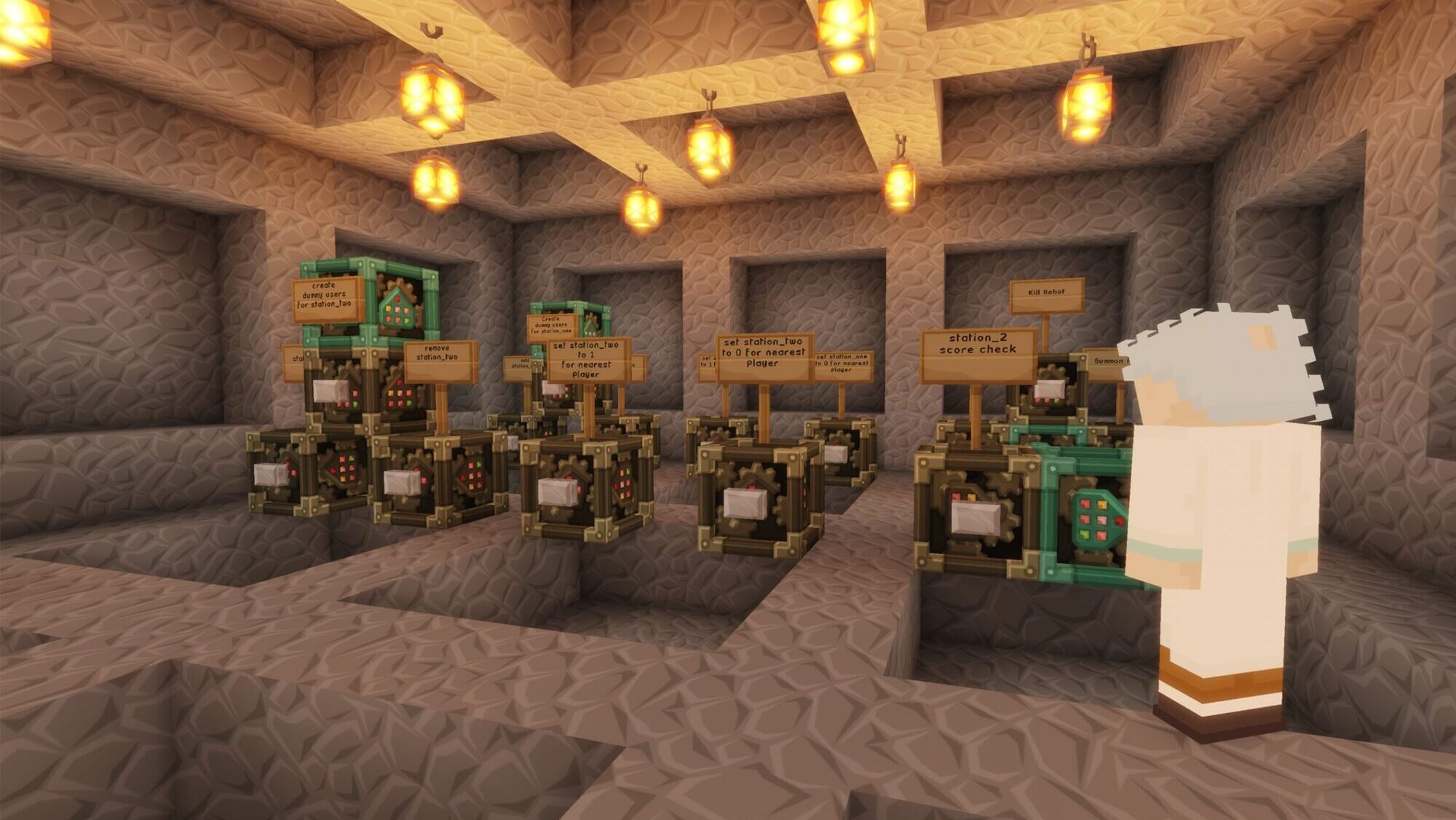
WHIMC Plugins
See our section on AI tools for our plugins related to pedagogical agents and integrated learner analysis tools.
WHIMC-Journey – A multi-world path-finding solution and alternative to teleportation
WHIMC-Lockbar – Lock players’ inventory slots to prevent moving items or dropping them
WHIMC-Observations – Show /observation signs on the map
WHIMC-Portals – Create portals out of “end portal” type blocks to allow players to teleport between worlds
WHIMC-PositionTracker – Internal plugin for saving player positions, uses MySQL database to store positions
WHIMC-ScienceTools – Creates values for oxygen, altitude, wind speed, etc.
WHIMC-WorldChatPrefixer – For prefixing chat with a formatted world name (indicates where a player is presently)
ProtocolLib – prerequisites (libraries) for WHIMC Plugins
Tools For World Design
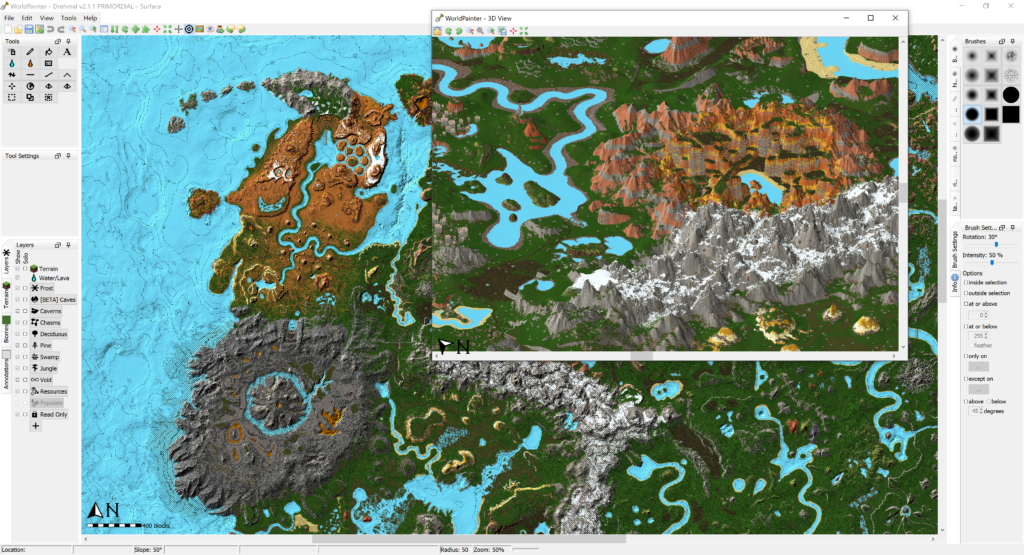
Worldpainter – create entirely new alien worlds or import existing maps to modify them on a macro-scale!
Amulet Editor – “meso-scale” editing to replace blocks, import existing schematics, etc…
MCC Toolchest – a collection of tools to help fix maps or convert formats to one another in the different Minecraft ecosystems (Bedrock/phone and Java/computers)
Binvox – a simple script that uses your GPU to convert a 3D file (like terrain) to voxels (a schematic) for import to create custom worlds
Recommended Plugins and Resources

- Cartographer 2 – minimap plugin to help users know where to go
- Citizens – Create and control interactive NPC’s
- CoreProtect – block change logging and roll-backs
- EssentialsX – Player-made homes, server warps and kits, player-to-player private messages, teleports and teleport requests, custom player nicknames, various moderation tools including kicks, temporary bans, mutes and jails
- FastAsyncWorldEdit, FastAsyncVoxelSniper and WorldEditSelectionVisualizer – world manipulation plugin for painting blocks, editing regions, etc
- HolographicDisplays – API used for plugins like Observation Displayer – creates floating text labels that can be used to direct players or label areas
- ImageOnMap – Render images onto maps by embedding an external image URL into a custom and placing it on one or more item frames
- Head Database, InfoHeads – Custom player heads (small blocks) that you can click to execute commands (used to prompt science tool validation on the moon)
- LuckPerms – Permissions management – prevent players from running commands or affecting parts of the world you don’t want them to
- Multiverse-Core – Allows a single Minecraft server to host many worlds
- Quests – use with NPC’s (Citizens) to create and assign quests to players
- SignBoard – displays dense text information as an overlay in front of signs, NPC’s or on separate tablets (books)
- Vault – Permissions, chat, & economy API required for other plugins
- Worldguard-bukkit and WorldGuardExtraFlags – Create regions in-game with special flags to manipulate gameplay behavior
- WorldResourcePacks – Apply a different resource pack for each separate world
WHIMC Prism / Multi-MC Package
Setup is super easy with our MultiMC. It includes several plugins, such as Voxelmap, Optifine, WorldEdit and ReplayMod. To begin, select your Operating System:


Need help? Ask ginger@illinois.edu questions